You are offline. Saved books and app features are still available.
A new Pulse Library version is ready.
YOUR PRIVATE LEARNING SHELF
Read anywhere. Keep learning.
Keep books, clinical guidelines, medical studies, and presentations together. Publish approved material for everyone while your favourites, reading progress, and notes stay private on this device.
NOTES
LEARN
READ
COLLECTION
Your books
J
STUDIES & PAPERS
Your journals
Store research and studies with their title, source, study date, and upload date.
G
CLINICAL GUIDANCE
Your guidelines
Keep society guidance and essential messages ordered by issue date and source.
P
SLIDES & TALKS
Your presentations
Keep PowerPoint, PDF, and other presentation files ordered by upload date.
QUICK ACCESS
Favourites
Your starred books, guidelines, studies, and presentations in one place.
SAVED PLACES
Bookmarks
Return to the exact place you wanted to remember.
YOUR THINKING
Reading notes
Notes are saved locally and remain available offline.
ON THIS DEVICE
Offline storage
See how much space this library is using and protect it from automatic cleanup.
0%used
Device library
Calculating browser storage…
Available space is controlled by your browser and device.
Keep data available
Ask the browser not to remove this library automatically when storage is low.
Backup and restore
Export one ZIP backup containing imported files, metadata, favourites, progress, bookmarks, and notes. Restore merges it into this device without using a cloud service.
Online and offline uploads
CHECKING CLOUD
Checking the free shared catalogue…
0Private on this device
0Online for everyone
No successful cloud refresh yet.
Installed app: v22 · Cloud worker: checking…
Green means this app and Cloudflare are connected. Private uploads never leave this device unless you select Publish for everyone. D1 stores catalogue details and KV stores public files.
Imported library
Remove imported books, guidelines, journals, presentations, favourites, progress, bookmarks, and notes from this device. Built-in guides remain.
SHARE THE APP
Pulse Library
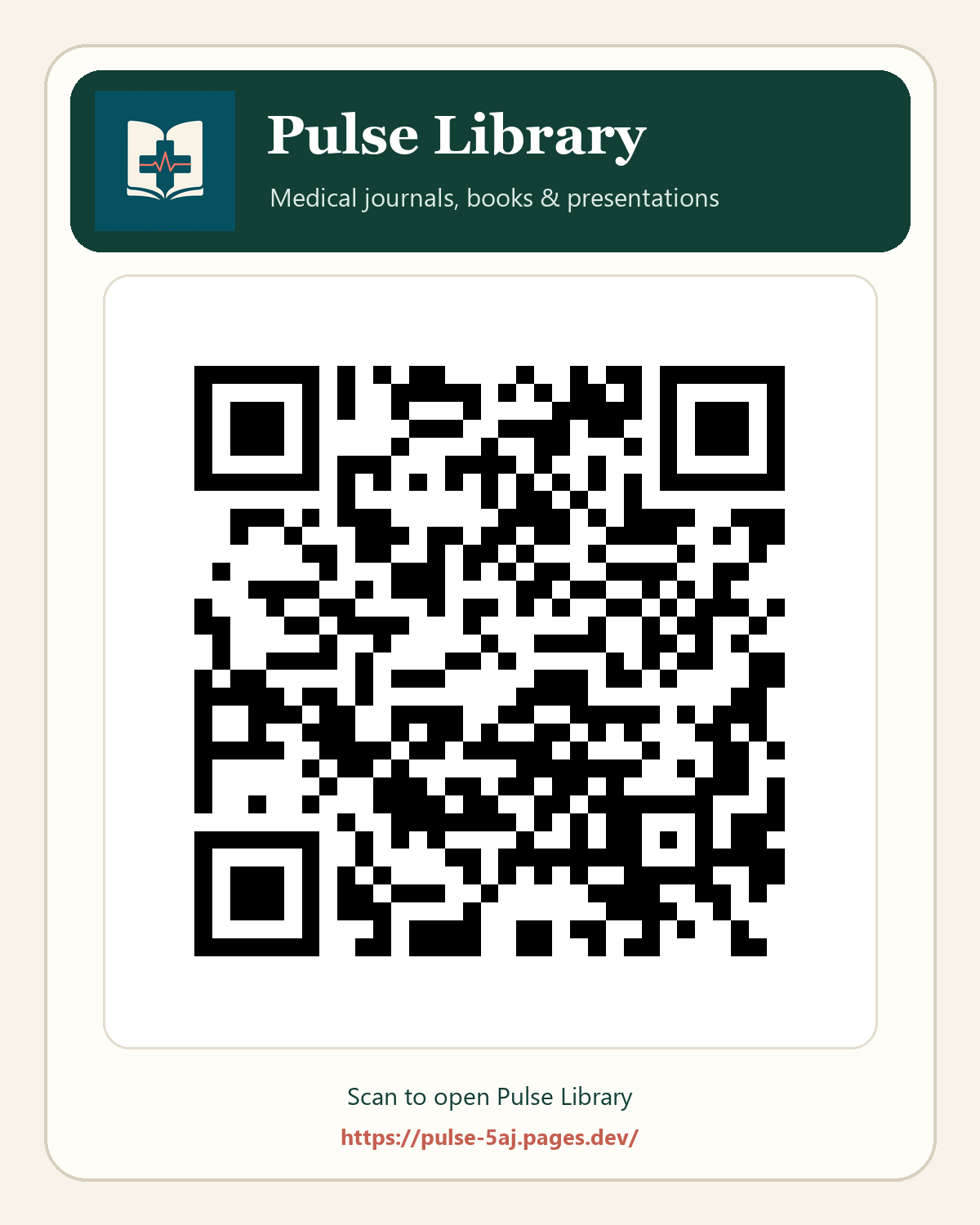
Scan the QR code or share the secure link to open Pulse Library on another phone, tablet, or computer.